

Prerequisites
Before you begin, you’ll need:- A H0p account (sign up here)
- A URL you want to shorten
Step 1: Sign up and access your dashboard
1
Create your account
Go to dashboard.h0p.co/signup and create your account with your email and password.
2
Verify your email
Check your inbox for a verification email and click the link to verify your account.
3
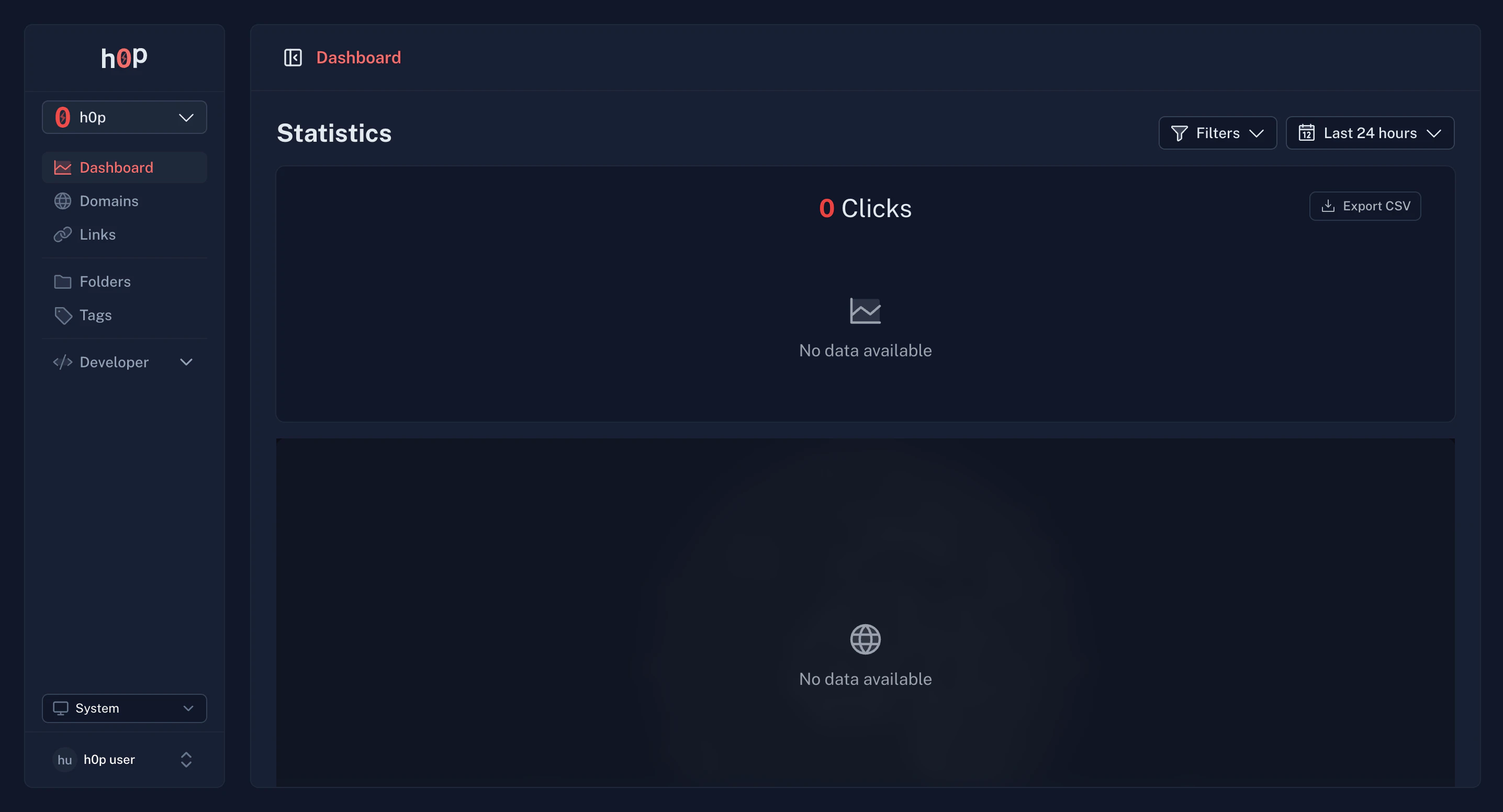
Access your dashboard
Once verified, you’ll be redirected to your dashboard. Your first organization is automatically created.
Step 2: Create your first short link
1
Navigate to Links
In the sidebar, click on Links to open the links management page.
2
Click Create Link
Click the Create Link button in the top right corner to open the link creation form.
3
Enter your destination URL
Paste the URL you want to shorten in the Destination field. For example:
4
Customize your slug (optional)
By default, H0p generates a random 6-character slug. You can customize it by entering your preferred slug in the Slug field.For example, if you want
h0p.co/my-product, enter my-product as the slug.5
Save your link
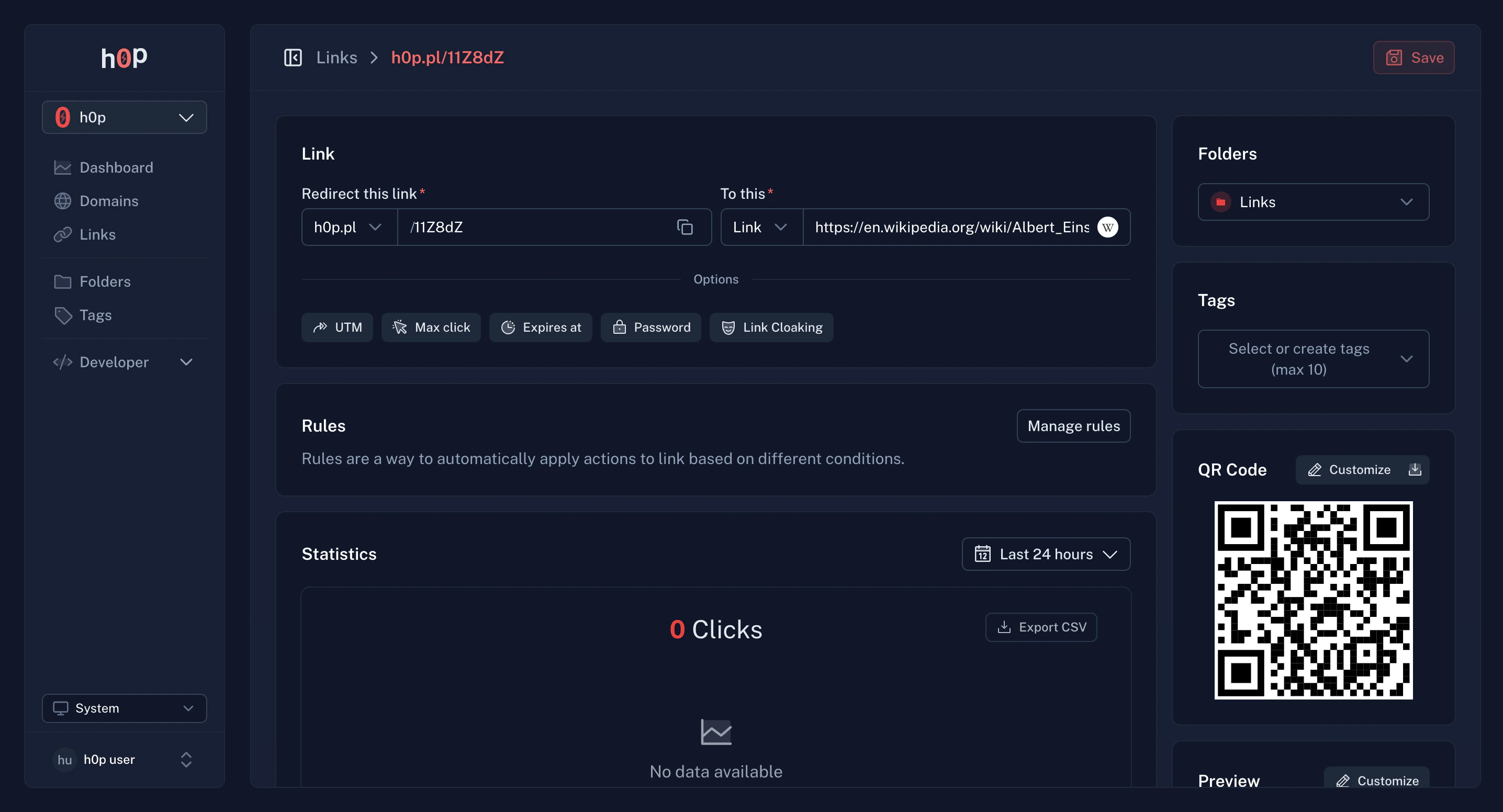
Click Create to save your short link. Your link is now live and ready to share.
Step 3: Share and track your link
Once created, your link is ready to use:Copy the link
Click the copy button next to your link to copy it to your clipboard.
Download QR code
Every link comes with an auto-generated QR code. Click the QR icon to download it.
View analytics
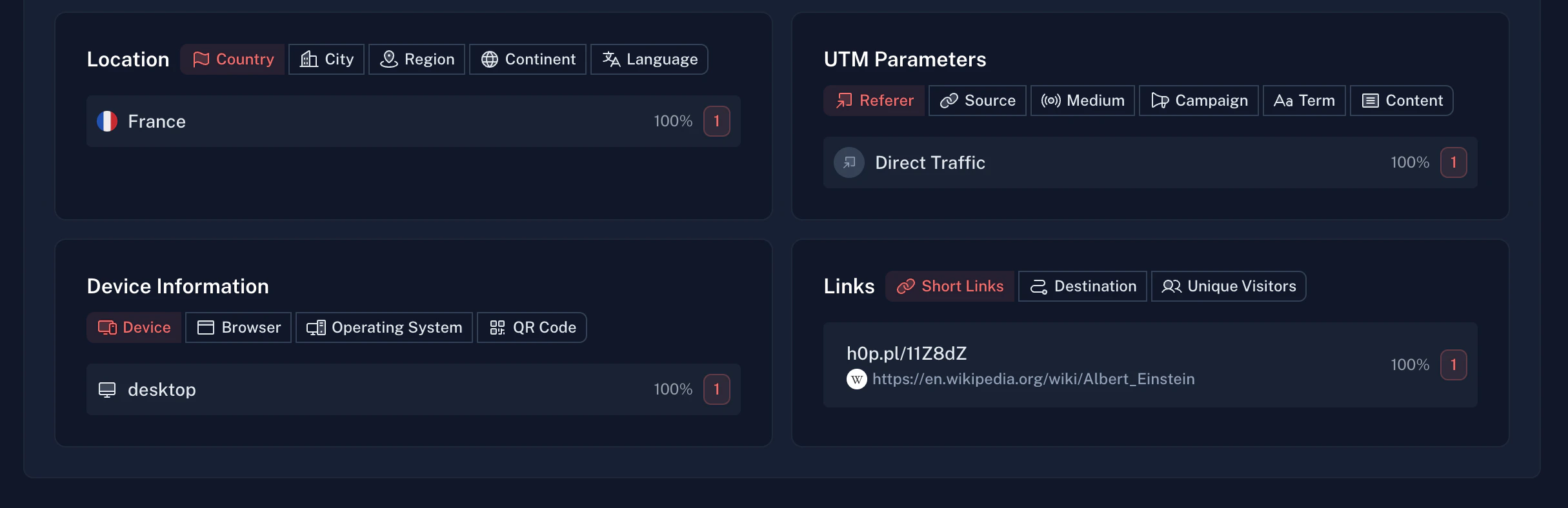
As people click your link, H0p tracks:- Total clicks - Overall click count
- Geographic data - Countries, cities, and regions
- Device info - Desktop vs mobile, operating system, browser
- Referrers - Where traffic is coming from
- UTM parameters - Campaign tracking data
Step 4: Add a custom domain (optional)
Want to use your own domain instead ofh0p.co? Here’s how:
1
Go to Domains
Navigate to Domains in the sidebar.
2
Add your domain
Click Add Domain and enter your custom domain (e.g.,
links.yourcompany.com).3
Configure DNS
Add the CNAME record shown in your DNS provider. This typically takes a few minutes to propagate.
4
Verify
Click Verify to confirm your domain is properly configured.
What’s next?
Now that you’ve created your first link, explore these features:Short links
Learn about advanced link features like password protection, expiration, and smart routing.
Custom domains
Set up your own branded domain for professional short links.
Webhooks
Get real-time notifications when links are clicked or modified.
API integration
Automate link creation with our REST API.
Common questions
How long do links last?
How long do links last?
Links are permanent by default and never expire. With Premium, you can set expiration dates or click limits.
Can I edit a link after creating it?
Can I edit a link after creating it?
Yes, you can edit the destination URL, slug, and all other settings at any time from the link details page.
What happens if I delete a link?
What happens if I delete a link?
Deleted links return a 404 error. If your domain has a fallback URL configured, visitors will be redirected there instead.
How accurate is the analytics data?
How accurate is the analytics data?
Analytics are updated in real-time. Geographic data is provided by Vercel and is accurate at the country and city level.